To-do list app
The to-do list that talks to your other lists
Todowa is a to-do app for your browser and phone. You write down tasks, plan them in your calendar and check them off – and Todowa keeps your lists in Asana, Notion, Todoist, Monday.com and Google Tasks up to date.
Freeno credit carddata in Frankfurtdelete anytime
Start for free – add Pro anytime
What is a to-do list – and why do they fail?
A to-do list is a collection of open tasks you check off one by one. It takes the remembering off your plate: once it’s written down, you don’t have to keep it in your head.
In practice, to-do lists rarely fail at the writing-down part. They fail because there are several of them. Team tasks live in Asana, your own notes in Notion, groceries in Todoist – and your calendar knows nothing about any of it. Keep three lists and you end up trusting none.
That’s exactly where Todowa comes in: one list you open every day, and a sync that keeps the other lists in step.
Keep your to-do list online: list, board and calendar
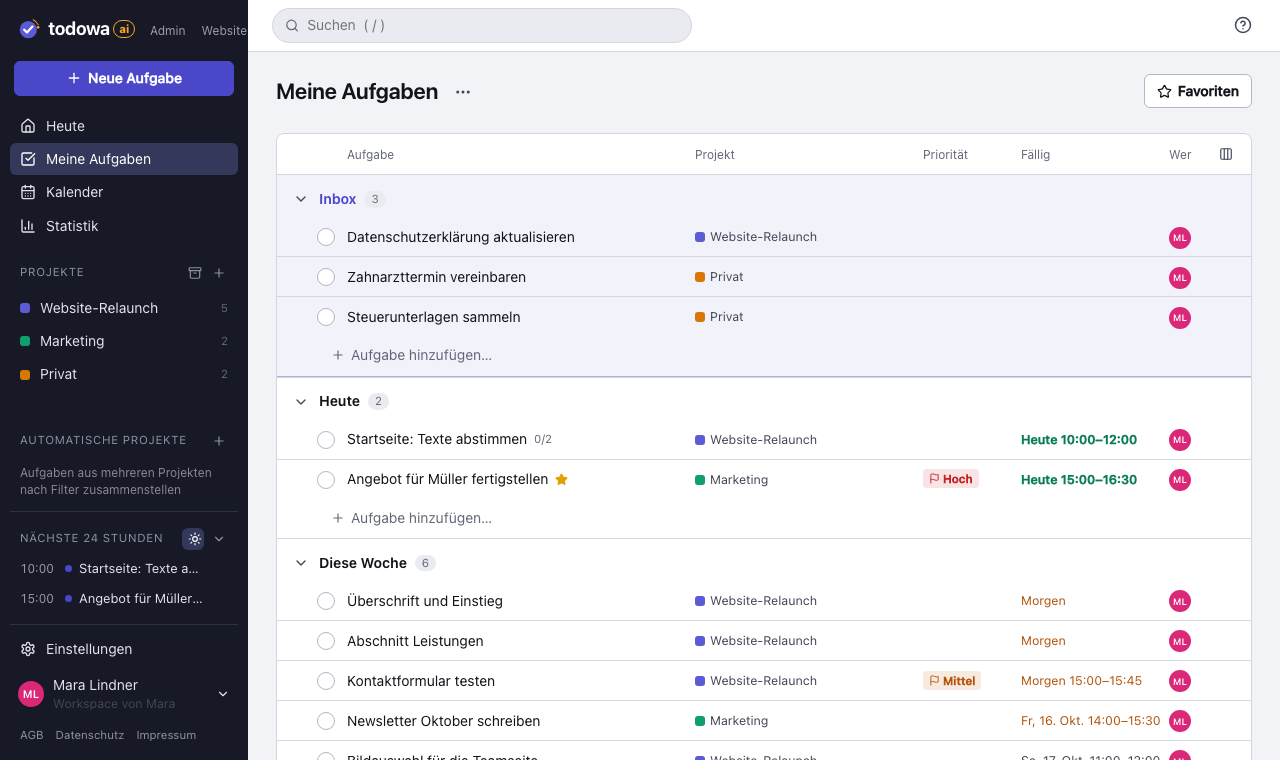
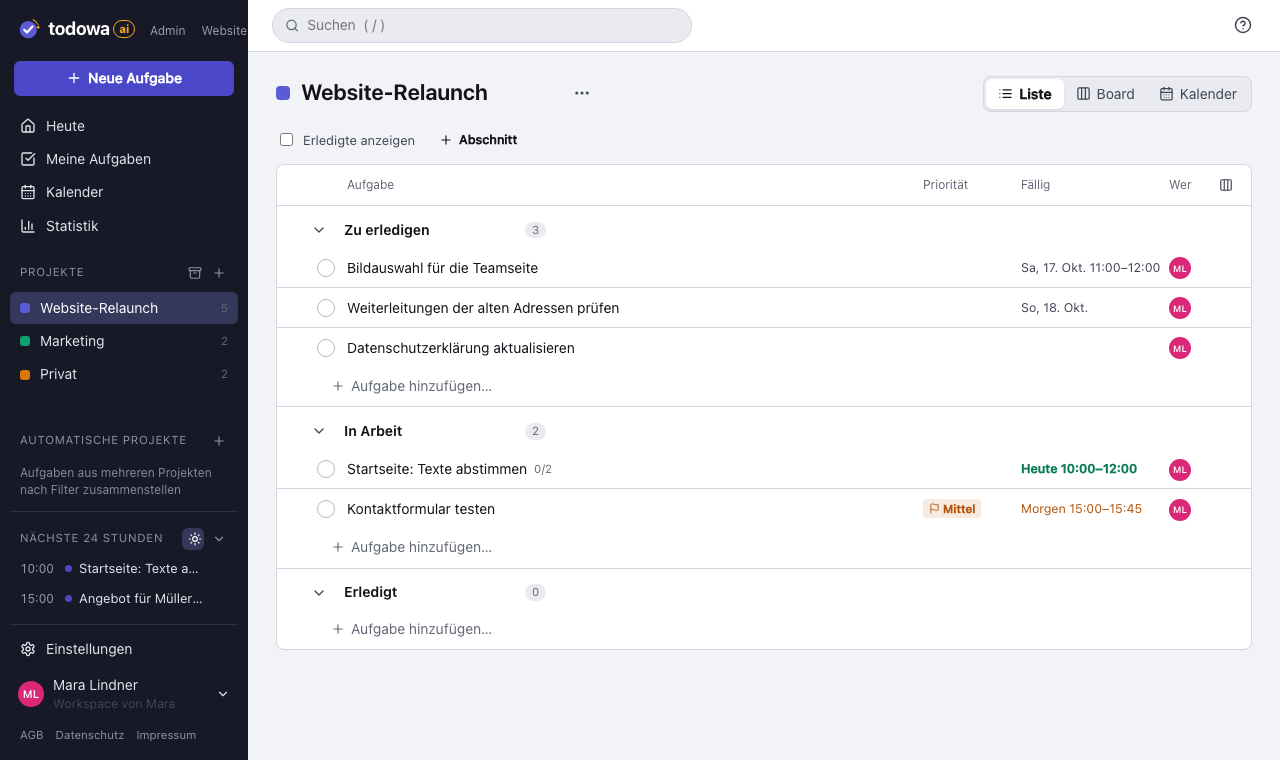
Every task has a title, description, due date with or without a time, priority, tags and subtasks. Show projects as a list or as a board with sections as columns.
A task can live in several projects without you maintaining it twice. Subtasks are full tasks and can live in different projects than their parent.
- “My tasks” shows everything assigned to you, sorted by due date – with the inbox on top for anything that doesn’t have a date yet
- Backlog for anything that isn’t due for now
- Favorites for what matters today
- Tags as quick filters for situations – such as “On the go”, “5 minutes” or “Eat the Frog”
- Recurring tasks: daily to yearly, on set weekdays or on the last Friday of the month
- Your own email address: forward mails and they land in your inbox as tasks
- Images and files on tasks: photos, PDFs, spreadsheets up to 100 MB per file
- Instant search across projects and tasks, with one click to whatever changed last
- Statistics: open, completed and newly added
A to-do app for your phone – even offline
You can install Todowa on your phone like an app. Offline, you still see your latest state and can add new tasks; they’re synced as soon as you’re back online.
On your phone, swipe a task right to mark it as a favorite, and left to move it to the backlog or delete it. Search has its own tab in the bottom bar. A short tap on the plus in the middle starts voice input: say what needs doing and the AI creates the task or event.
When something is due, Todowa reminds you with a notification – on your phone and, through your phone, on an Android watch.
Schedule tasks instead of just collecting them
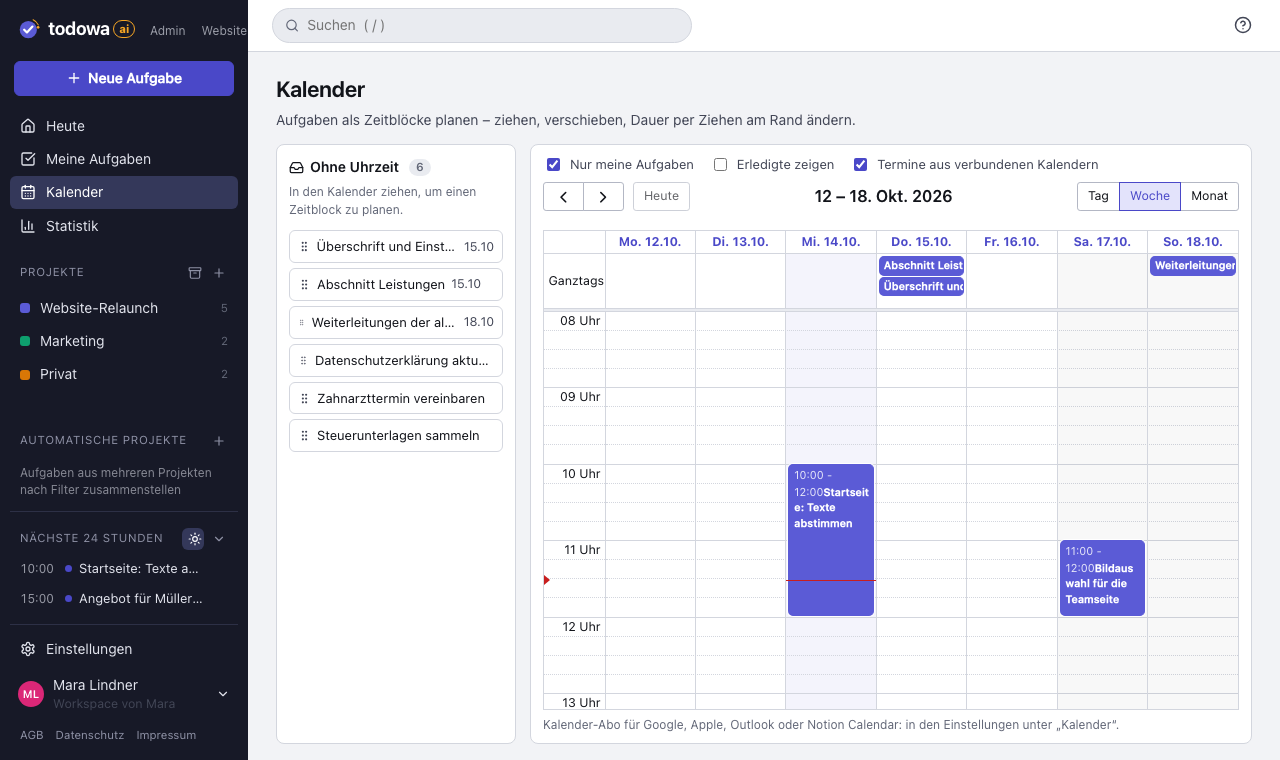
A list tells you what to do. Your calendar decides when you do it. In Todowa you drag tasks into your week as time blocks. Show events from Google, Apple or Outlook alongside, so you can see where there’s actually room.
It works the other way round, too: subscribe to your Todowa tasks as a calendar and see them in the calendar app you already use.
Why we’re building Todowa
Your tasks belong to you – not to your tools.
Tasks are spread across many tools, and none of them sees the whole picture. We’re building Todowa as an AI-first to-do system that fits into the ones you already use: tasks show up in your Notion database, in Asana, in Todoist and in Google Calendar, and AI matches up what belongs together.
Our goal for TodowaFrequently asked questions
Is there a free to-do list app that syncs with other tools?
Yes – Todowa. The free plan covers projects, tasks, calendar and team, and it syncs your tasks both ways with Asana, Notion, Todoist, Monday.com, Google Tasks and Google Calendar.
Is the to-do app free?
Yes. Tasks are unlimited on the free plan, plus up to 20 projects, 5 members, 1 GB of storage for images and files, the calendar, sync of up to 100 tasks a month and one AI teammate with an AI allowance that can already cover most simple workflows. You can add Todowa Pro with unlimited sync anytime, for €6 a month or €60 a year.
Can I share a to-do list with others?
Yes. Invite members to your workspace and assign tasks to them – on the free plan too.
Do I need Asana, Notion or Todoist?
No. Todowa works on its own as a to-do list with projects and a calendar. Sync is there for anyone who already works with other tools.
More about Todowa
Bring your tasks together.
Create an account, connect your tools, get going – free, add Pro anytime.
Freeno credit carddata in Frankfurtdelete anytime