Share and assign tasks
The shared to-do list – even with people who don’t have an account
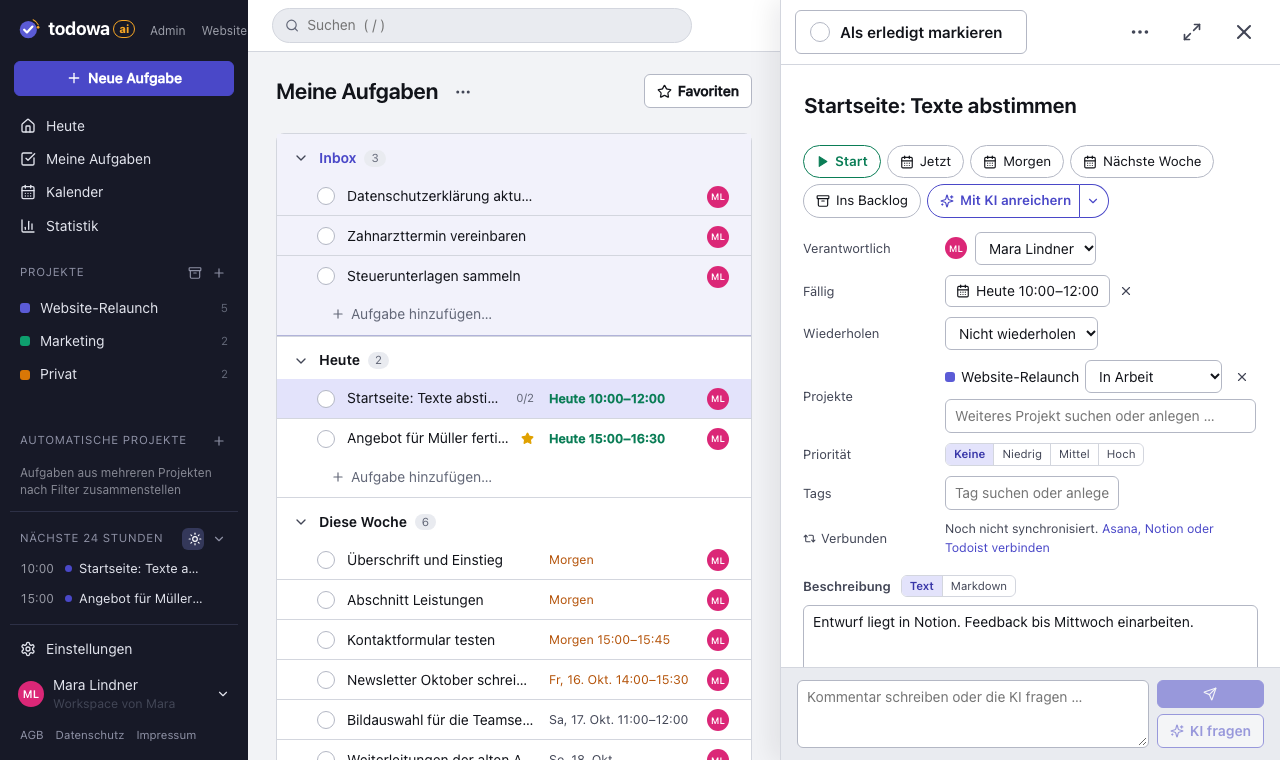
Todowa is a shared to-do list app that doesn’t require everyone to use the same app. You add people to a task: from your team, or simply by name or email address. People without an account can view and comment on the task via a link. You share projects with set permissions per person, and the history shows who changed what.
Freeno credit carddata in Frankfurtdelete anytime
Start for free – add Pro anytime
The problem: sharing tasks usually means getting everyone into the same app
A task rarely concerns just you. Your colleague needs to review the proposal, the client needs to send documents, your partner needs to call the plumber. Yet most shared to-do lists only work if everyone involved has an account in the same app.
So tasks get delegated the usual way: by email, by chat, in passing. Whether the task arrived and who’s on it isn’t written down anywhere. Todowa turns this around: you share the task, not the app.
How to assign tasks – step by step
Every task has one person responsible and any number of collaborators. That makes it clear who completes the task – and who helps or needs to stay informed.
- Open the task and add the people involved under “People”
- Pick from your team: every member of your workspace is listed
- Or just type: a name without an email address becomes a contact – assignable, but with no access to Todowa
- Type an email address: the person gets a notification that they’ve been added to the task
- Mark one person as responsible; everyone else is a collaborator
Share tasks without an account
If someone is added by email address and doesn’t have an account yet, the notification contains a link. With it, they can view the task and comment on it – no sign-up, no password.
The link contains a secret and therefore grants access to the task. Treat it like a key: anyone who has it can view and comment on the task. Todowa points this out in the email, too. Access only lasts as long as the person is involved in the task – remove them and the link stops working.
They can edit the task as soon as they create a free account with the same email address. All tasks shared with them then show up in their account automatically.
- Without an account: view and comment
- With a free account for the same email address: edit as well
- Access ends as soon as the person is no longer involved
Share projects: view, comment, edit
You share entire projects with registered users. For each person you decide what they can do: view, comment or edit.
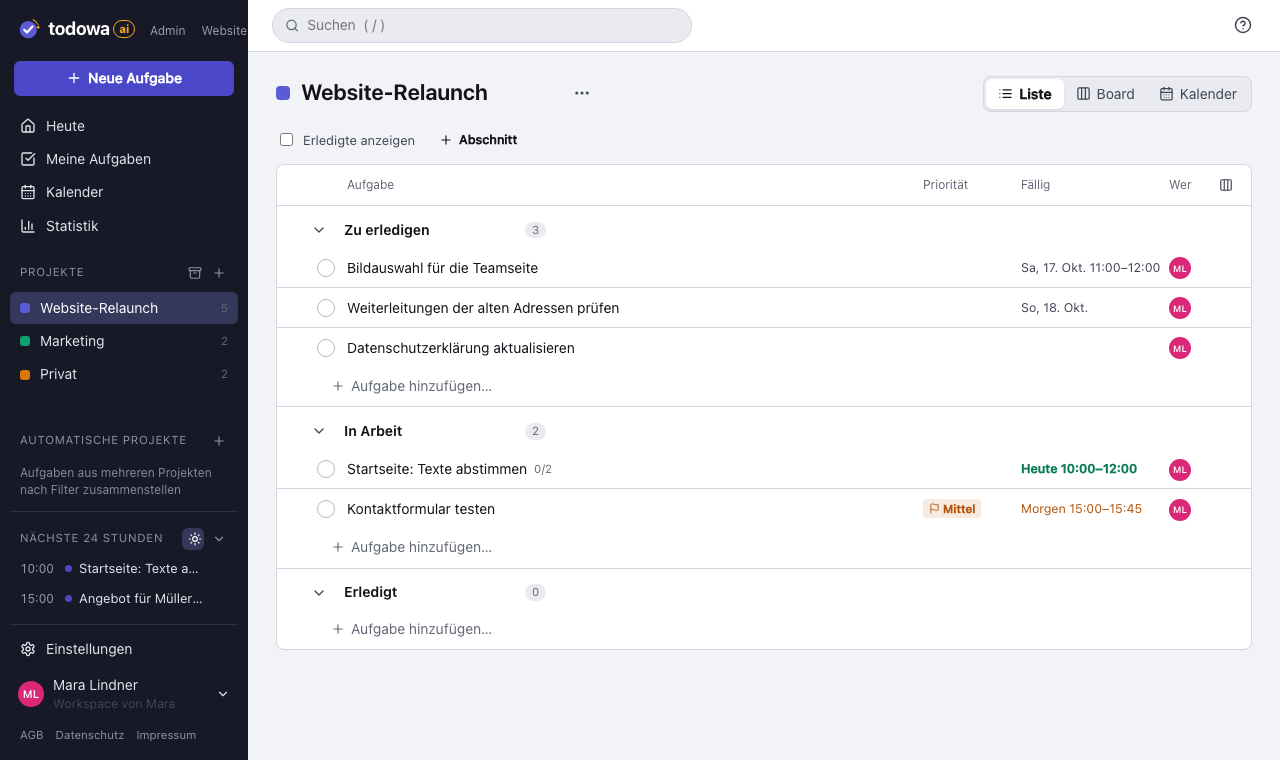
Permissions apply to every task in the project, and you can restrict them for individual tasks. Example: your agency can edit everything in the “Website relaunch” project. But the task “Approve budget” in the same project should be view-only for them – so you set that one task to “View” for the agency.
Who owns a task in a shared project?
People you share a project with “edit” permission can create tasks in it too. Those tasks belong to the project, not to the person. The project still shows who created them; only that person or the project owner can delete them.
That protects everyone’s work: if an employee leaves the company, their tasks and results stay in the project. When you remove them, you choose who takes over their open tasks.
And it protects you: if you’re removed from a shared project, leave it yourself or it gets deleted, you can take a copy of your tasks for 30 days – every task you created or were responsible for, with subtasks and comments. The original stays in the project.
- Create tasks: with “edit” permission
- Delete: only your own tasks; the owner can restore deleted ones
- Leaving: tasks stay in the project, a copy of your own goes with you for 30 days
History: who changed what, and when
As soon as several people work on a task, the question comes up: who moved the due date? The task shows its history – every change with the person and the time. No need to ask around or piece things together.
Work together and still stay in Asana, Notion or Todoist
Todowa keeps syncing tasks both ways with Asana, Notion, Todoist, Monday.com and Google Tasks. Anyone on the team who prefers their own tool stays there; the tasks still appear in the shared list in Todowa.
Who is involved in a task and which permissions apply is set in Todowa. Your data is stored on servers in Frankfurt am Main, Germany. Shared lists and projects are included in the free plan.
Why we’re building Todowa
Your tasks belong to you – not to your tools.
Tasks are spread across many tools, and none of them sees the whole picture. We’re building Todowa as an AI-first to-do system that fits into the ones you already use: tasks show up in your Notion database, in Asana, in Todoist and in Google Calendar, and AI matches up what belongs together.
Our goal for TodowaFrequently asked questions
How do I share a to-do list with others?
Share a project with registered users and decide for each person whether they can view, comment or edit. To share a single task, add people to it – from your team or by email address.
Can I share tasks with someone who doesn’t have an account?
Yes. Enter their email address; they get a link that lets them view and comment on the task. To edit it, they create a free account with the same address.
How do I assign a task to someone else?
Open the task and add the person. Mark them as responsible; anyone else you add is a collaborator. A name without an email address is saved as a contact with no access.
What happens to my tasks if I’m removed from a shared project?
They stay in the project so the others can keep working. You get an email and, for 30 days, can keep a copy of every task you created or were responsible for under “Shared with me”.
How secure is the shared link?
The link contains a secret and gives anyone who has it view access and the ability to comment. So don’t pass it on. It only works as long as the person is involved in the task.
Is the shared to-do list app free?
Yes. Sharing, assigning and commenting are included in the free plan, with up to 5 members per workspace – no fixed limit with Pro. People you add to a task by email don’t need an account; if they create one, it’s free for them too.
More about Todowa
Bring your tasks together.
Create an account, connect your tools, get going – free, add Pro anytime.
Freeno credit carddata in Frankfurtdelete anytime