Task sync
Sync Asana, Notion, Todoist, Monday.com and Google Tasks
Todowa keeps your tasks up to date across all five tools, in both directions, without you building any rules. Connect your tools once, and sync runs in the background every minute.
Freeno credit carddata in Frankfurtdelete anytime
Start for free – add Pro anytime
One shared state in the middle instead of many point-to-point connections
Tasks quickly end up spread across several tools: one for the team, one for notes, one for on the go. Each is great on its own – they just don’t know about each other.
Connect two of them yourself and you maintain a separate rule for each direction and each field. Every additional tool adds more.
Todowa flips that around. There’s one neutral state in the middle, and each tool syncs with it. So instead of six connections between four tools, you need four.
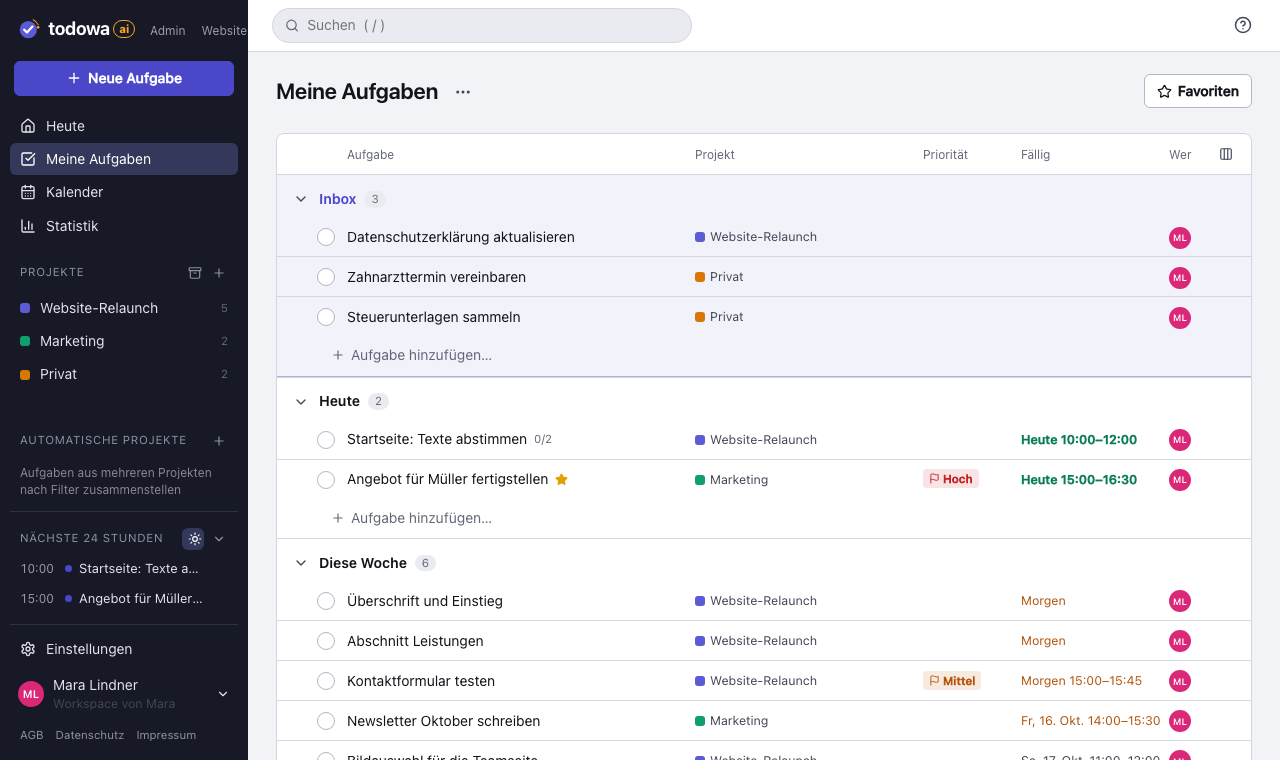
How sync works
Connect a tool in the settings and choose what gets synced: projects in Asana, the database and its columns in Notion, boards in Monday.com, lists in Google Tasks.
Before you switch it on, you can do a dry run as often as you like: Todowa shows what it would create, change and link in the tool and on its own side – without writing anything.
On the first sync, Todowa matches existing tasks to each other. If the same task already exists in two tools, it’s linked instead of duplicated. The matching is done by an AI that compares title, description, due date and project.
- Synced fields: title, description, due date with time, completion status, focus and project (Monday.com without focus)
- Subtasks stay subtasks in Asana; in Notion, Todoist and Monday.com they show up as separate tasks
- Todowa resolves conflicts field by field: the most recent change wins
- If one tool goes down, sync keeps running for the others
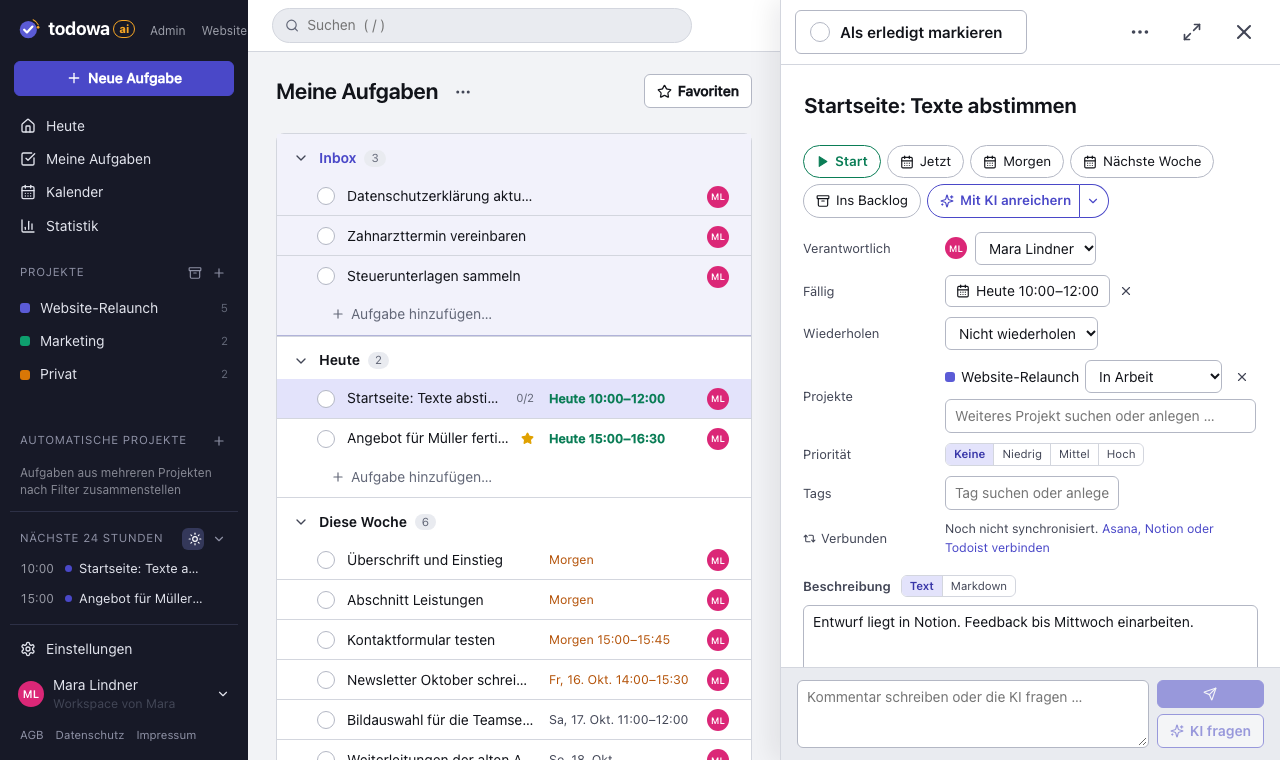
A Notion database as your task list
In Notion, Todowa syncs a database. You define which column holds the title, status, due date and description, and which statuses count as done. Todowa adds just two columns: the project and a link to the task in Todowa.
You can pull the text of a Notion page into the task. It appears in Todowa as the “Content” field and is read-only – Todowa never changes the page in Notion.
Monday.com boards as projects
You connect Monday.com through your Monday account – no token needed. Each board you pick becomes a project with the same name in Todowa. Todowa syncs the item name, the first status column, the first date column including the time and the first long text column as the description; people, other columns, updates and subitems stay untouched in Monday.com.
Nothing gets lost
Todowa never permanently deletes anything in a connected tool. Deleted tasks are marked as deleted or completed there; in Monday.com Todowa doesn’t delete any items. Every import, every match and every error is recorded in the sync log, which you can view in the settings.
Why we’re building Todowa
Your tasks belong to you – not to your tools.
Tasks are spread across many tools, and none of them sees the whole picture. We’re building Todowa as an AI-first to-do system that fits into the ones you already use: tasks show up in your Notion database, in Asana, in Todoist and in Google Calendar, and AI matches up what belongs together.
Our goal for TodowaFrequently asked questions
Can I sync Todoist and Notion?
Yes. Connect both to Todowa. A Todoist task then shows up as a row in your Notion database and vice versa; changes flow both ways.
Is there an Asana Notion integration?
Through Todowa, yes: tasks from selected Asana projects are synced with a Notion database, including due date and completion status.
How often does it sync?
Sync runs in the background about once a minute. You can also trigger it manually in the settings.
What data does the AI see?
For matching, the title, an excerpt of the description, the due date and the project of the tasks involved are sent to Anthropic (Claude) – and only for tasks that can’t already be matched by an identical title.
More about Todowa
Bring your tasks together.
Create an account, connect your tools, get going – free, add Pro anytime.
Freeno credit carddata in Frankfurtdelete anytime