Switch without migrating
Try a new to-do app without migrating
Looking for a new to-do app usually means dreading the move. Todowa takes care of it: connect the tool you use now, keep working in Todowa and decide at your own pace how to use both.
Freeno credit carddata in Frankfurtdelete anytime
Start for free – add Pro anytime
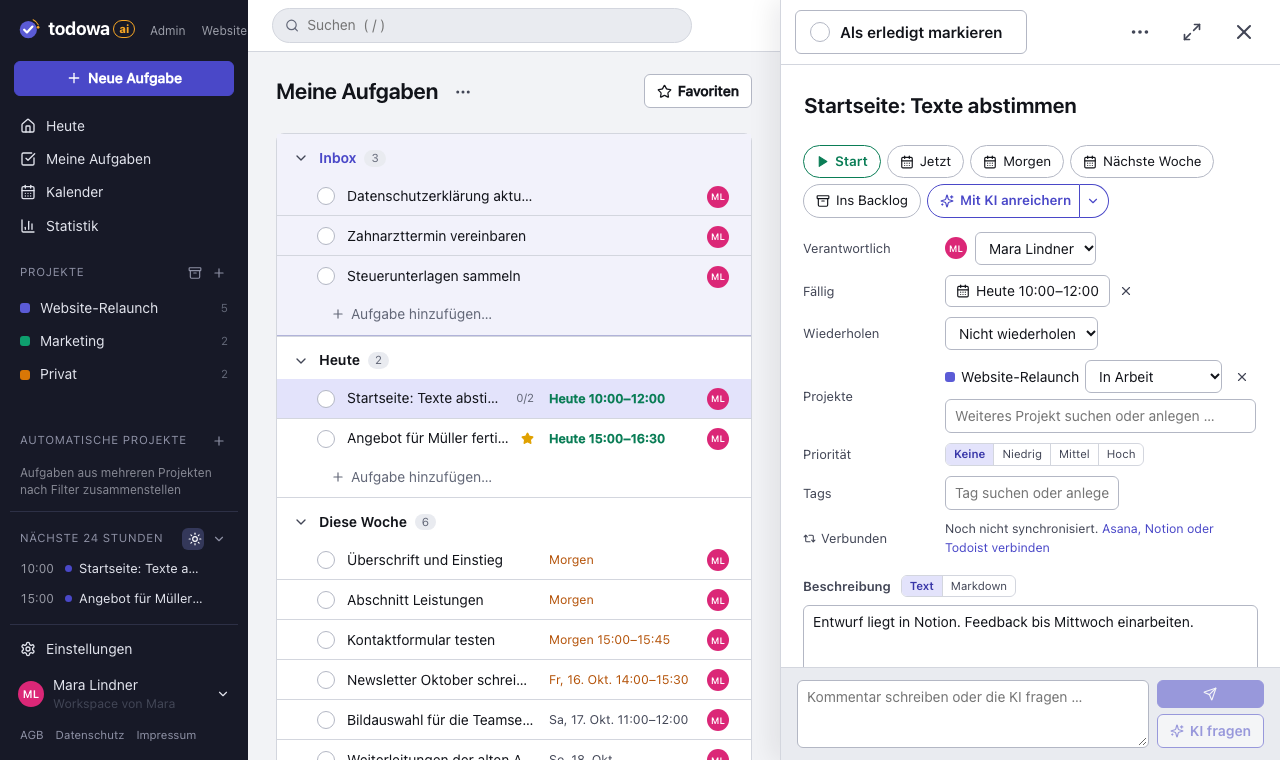
Switch without a cut-over date
Switching to-do systems rarely fails because of the new tool. It fails because of the tasks still sitting in the old one, and the people who keep working there.
Todowa syncs your tasks both ways with Asana, Notion, Todoist, Monday.com and Google Tasks. You try Todowa with your real tasks, and nothing goes missing from your current tool. If you don’t like it, disconnect and everything is as it was.
What you get with Todowa
Todowa is built as a neutral hub. Your tasks belong to you – which is why syncing with other systems is the core, not an add-on.
- One task in several projects, each with its own section
- Subtasks as full tasks, even in other projects
- Weekly calendar with time blocks and your events alongside
- Your own email address: forwarded mails become tasks
- Installable as an app, works offline
- Servers in Frankfurt am Main, Germany
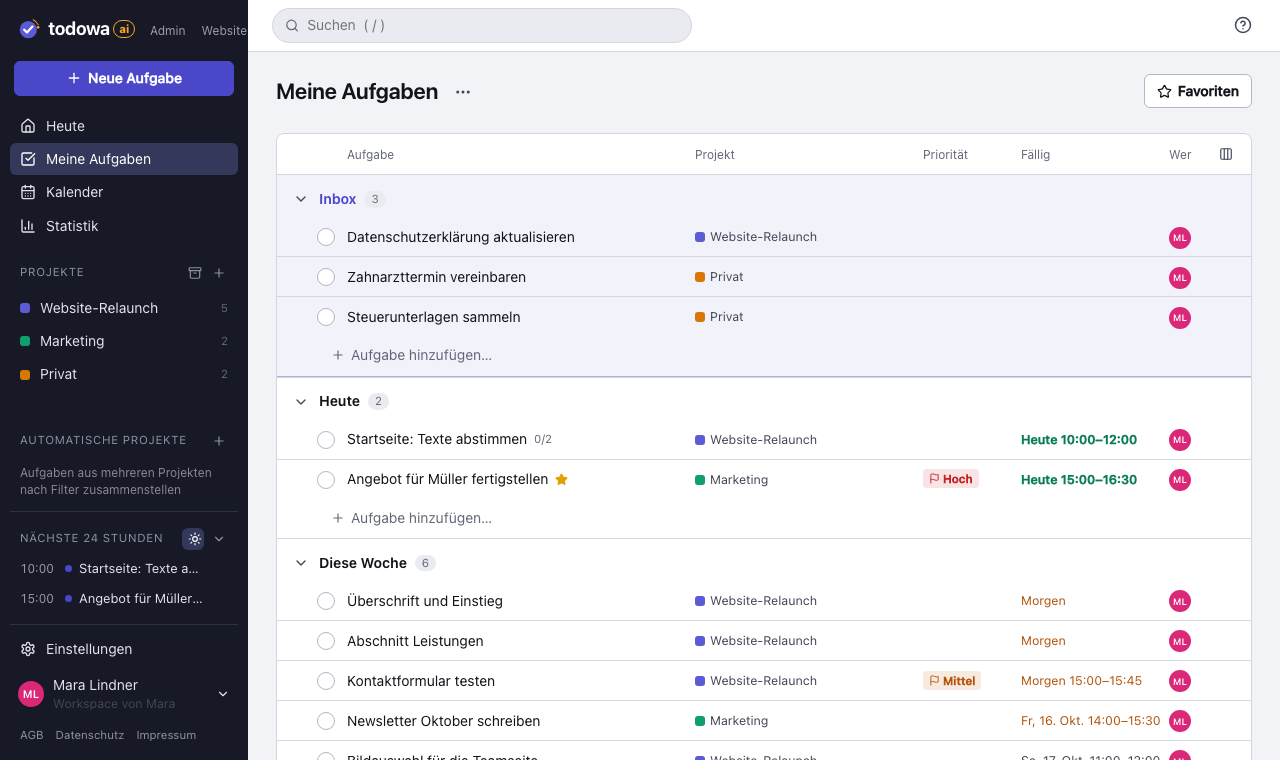
For small teams: everyone keeps their own tool
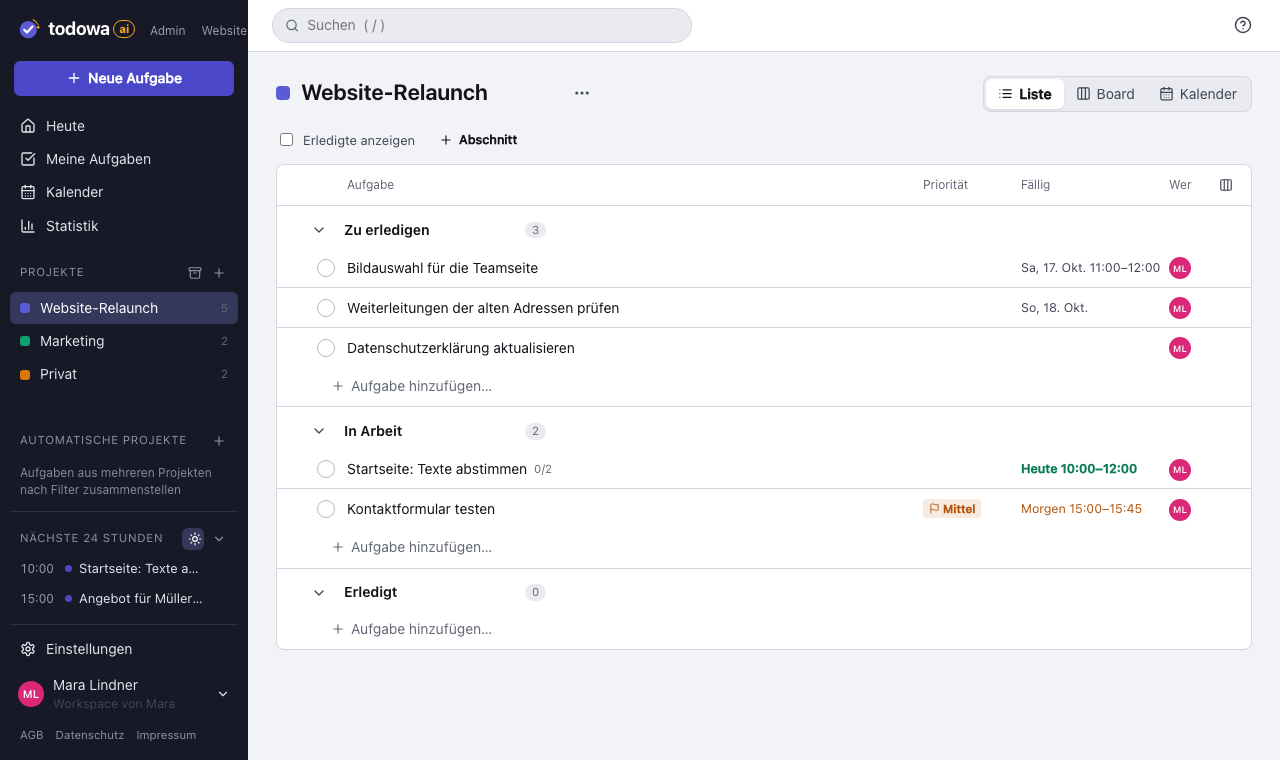
Small teams mostly need tasks, assignees and due dates. Todowa comes with a list, board and calendar for that, with no setup effort.
If a client or partner works in another tool, they stay there. Their tasks show up for you in Todowa, and your changes show up for them.
What Todowa can’t do yet
Todowa is still young. There’s no natural-language input yet, no native apps in the app stores and no automations. Reminders arrive as notifications on your phone, computer and Android watch, but not by email yet and not with a custom time per task. Recurring tasks are available; in sync they appear in other tools as individual tasks.
In return, you can use Todowa for free and add Pro anytime if you need more.
Why we’re building Todowa
Your tasks belong to you – not to your tools.
Tasks are spread across many tools, and none of them sees the whole picture. We’re building Todowa as an AI-first to-do system that fits into the ones you already use: tasks show up in your Notion database, in Asana, in Todoist and in Google Calendar, and AI matches up what belongs together.
Our goal for TodowaFrequently asked questions
Do I have to import my tasks?
No. Connect your current tool in the settings; on the first sync your open tasks appear in Todowa and stay linked to that tool.
How much does Todowa cost?
The free plan stays free: unlimited tasks, up to 20 projects and 5 members, calendar, sync of up to 100 tasks a month and one AI teammate with an AI allowance that can already cover most simple workflows. Pro costs €6/month or €60/year – with unlimited sync and much more time for your AI teammates – and you can add it anytime in your account. For larger AI teams, add the “AI team 5” (€39/month) or “AI team 10” (€79/month) package to Pro, plus AI credit to top up.
Where is my data stored?
On servers in Frankfurt am Main, Germany. Todowa is operated by Stillforward GmbH in Landshut, Germany.
More about Todowa
Bring your tasks together.
Create an account, connect your tools, get going – free, add Pro anytime.
Freeno credit carddata in Frankfurtdelete anytime